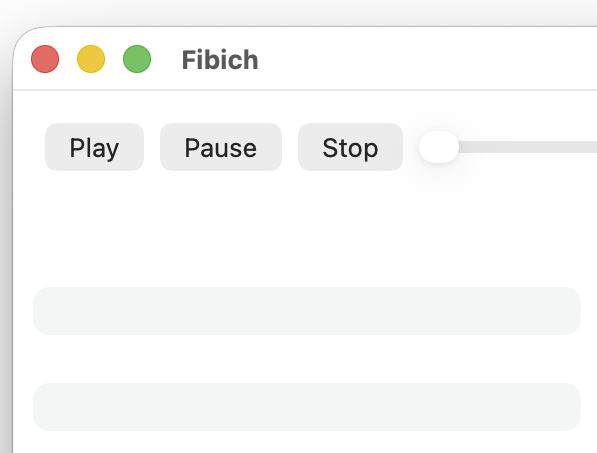
Today Fibich crossed an important line: it can play music.
That is the most obvious thing a music player should do, but it changes the project. Until now, Fibich was a native macOS window, an early player interface, and a model for a local library. Now it produces sound.
Recently, I started building the first real structure around the app. Albums, artists, tracks, and library items are now becoming the basic vocabulary Fibich uses to understand a music collection. That matters because the goal is not to create a tiny utility that opens one audio file and forgets about it. The goal is a proper macOS music player for local libraries, lossless albums, carefully stored folders, and collections that deserve a bit more respect.
Fibich can now scan a music location, generate a simple library, and play its tracks. The app connects files on disk to a music-focused interface.
Today's bigger step is playback itself.
Fibich now has basic audio playback, track progress, seeking, and volume control. The progress bar shows the current position, seeking moves playback within a track, and the volume control adjusts the output.
This is still a rough first version, but it is the first version that feels alive.
There is a lot ahead. Playlists need to become more durable. Metadata will need proper attention. The library will need to handle real collections, not only clean test folders. macOS integration will matter too: media keys, now playing information, Finder workflows, and all the small details that make an app feel native rather than merely present on the desktop.
But today, the center is there.
Fibich now has the core of a native hi-fi player for macOS: local files, playback controls, and the beginnings of a library.
The first sound is not the destination, but it turns the project into a working music player.