This week Fibich moved from "the library can be generated" to a library that reacts when music files change on disk.
That is a big shift for a local music player. A real music folder is not frozen. Albums get added, files move, tags are corrected, folders are renamed, and sometimes tracks disappear. If Fibich wants to be a reliable macOS music library, it cannot only scan once and hope nothing changes.
Before getting there, I cleaned up some related pieces.
The app now has its first proper icon, replacing the generic development artwork.
The name Fibich comes from Zdeněk Fibich, the Czech composer. The app icon is also based on his resemblance, which gives the project a small connection to Czech musical history.
There is a personal reason for the name too: I have a real love for Fibich’s music. Using his name is a small personal tribute. It feels right for a music player built with care for local collections, listening habits, and the emotional weight music can carry.
I like that the name does not sound like a generic software product. It gives the player a bit of character, while still keeping the focus on music.
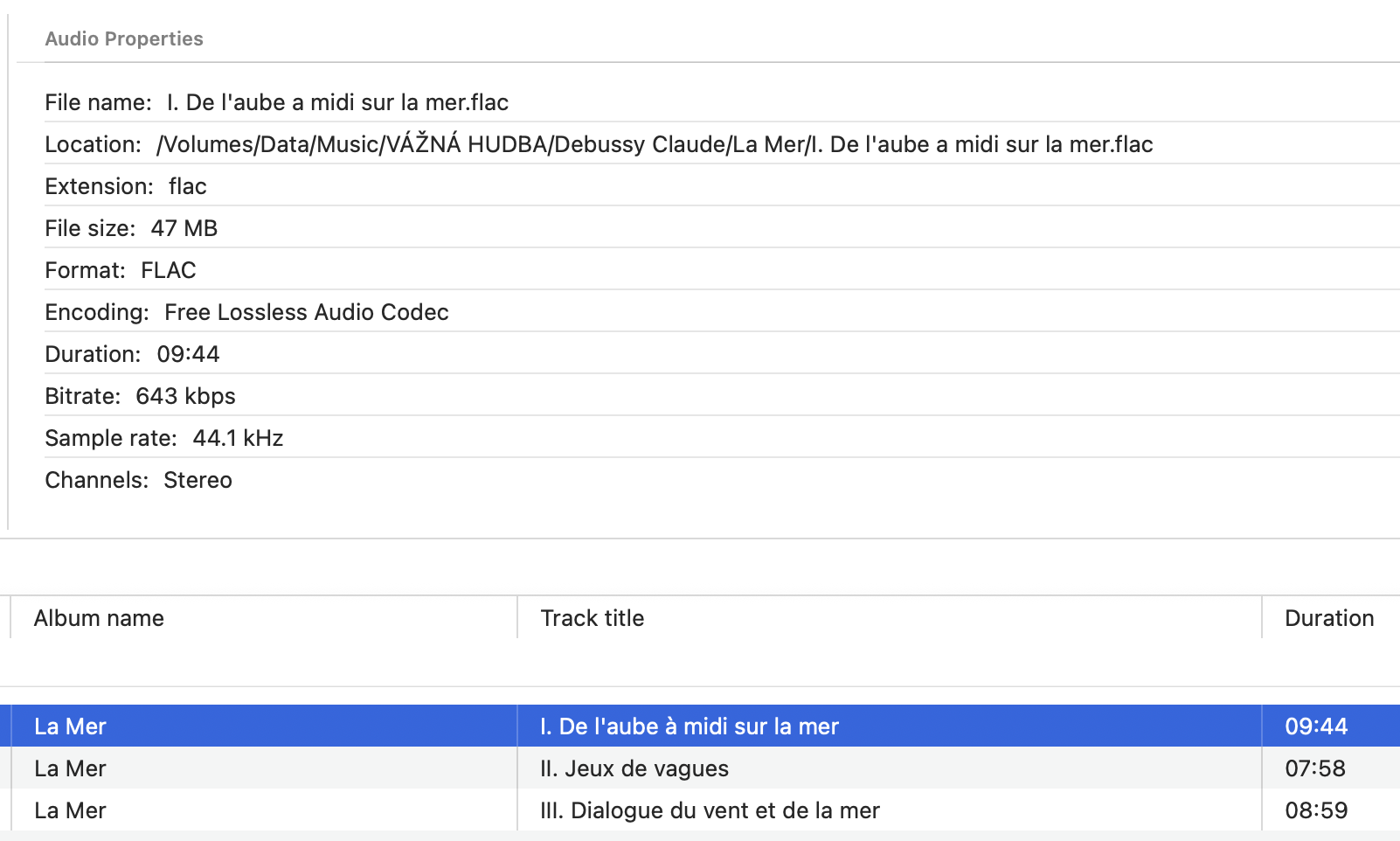
I also added an audio file properties view. Metadata tells us musical information: title, artist, album, track number. File properties tell another part of the story: format, duration, technical details, and what kind of audio file the app is really dealing with. For a hi-fi player, both views matter. Sometimes you want to know the album title; sometimes you want to know what kind of file you are playing.
There was also a specific fix around tracker modules. These files behave differently from ordinary tagged audio formats, so the app now handles them more carefully: they can be added to the library, metadata loading is safer, and editing is disabled where it does not make sense. This is one of those format-support details that matters if Fibich is going to welcome more than the usual MP3/FLAC world.
The larger internal change was the library store revamp.
Earlier, the stored library shape was too close to the tree shown in the interface. That is convenient at first, but it becomes awkward once the app needs to update individual tracks, rebuild parts of the tree, and keep playlists connected to the same underlying music. So the library storage has been flattened around library tracks, while a separate projection step builds the expandable browser tree.
That separation is important. Storage wants stable records. The UI wants hierarchy. Those are not the same problem.
Once the library had a cleaner shape, realtime sync became possible.
Today’s work adds filesystem observation, debouncing, change filtering, reconciliation, and a small sync activity bar. In plain English: Fibich can watch the selected library location, notice changes, wait briefly so it does not overreact to noisy file events, decide which changes matter, and then update the library.
The hard part is avoiding chaos.
File systems do not report "one album was renamed." They emit events. Sometimes several. Sometimes too many. Sometimes a save operation looks like a delete and recreate. The app has to turn that stream into useful library changes without breaking playlists or making the interface flicker.
That is why this update introduces a few separate pieces: a filesystem observer, a debouncer, a reconciliation planner, and change application logic. Each part has a smaller job, which keeps the feature easier to reason about.
There are more tests now too, especially around the library catalog pipeline, path change handling, playlists, and metadata behavior. Realtime sync is exactly the kind of feature where tests matter, because the happy path is only part of the story. Moving, deleting, renaming, and regenerating tracks can create subtle bugs if identity is not handled carefully.
The result changes how Fibich's library stays current.
It is no longer a one-time folder snapshot. It now follows changes in the user's music collection.
For a native macOS hi-fi player, that feels essential. Local libraries change. Fibich should notice.